1. Verifying that you have the datapack installed

Typing /reload in chat should yield something like this.
If this message does not appear, something has gone wrong in the installation process.
2. Opening the power

If you crouch for a few seconds, these lines should appear in chat.
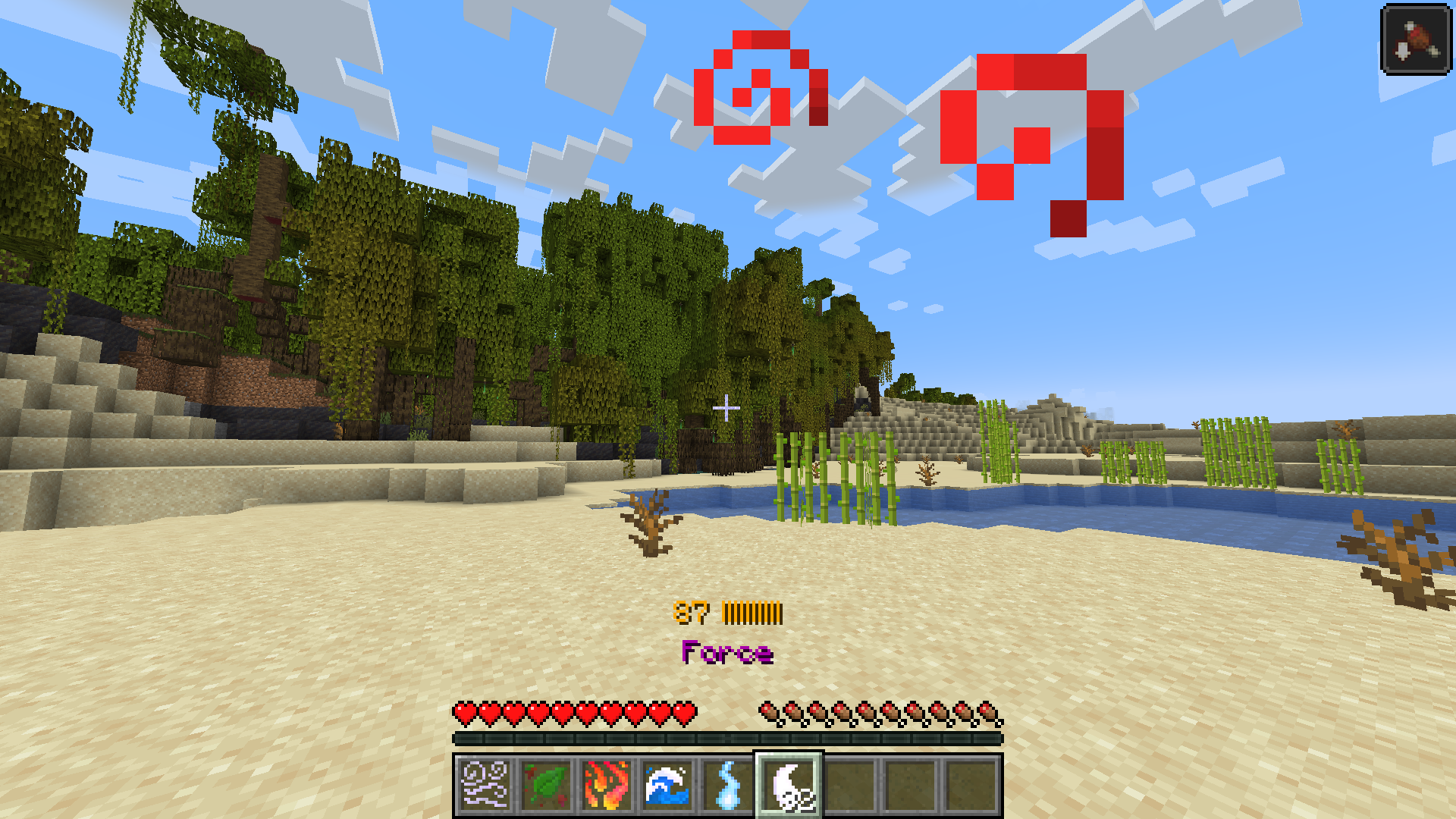
If you now look up while still crouching, the power should open. It should look something like this.
Note that doing this faster will give you more Force when opening!
3. Building a spell

Try using the Earth element by either right-clicking or dropping it.

Now do the same with Fire.

You should see the spell appear in your hotbar.
Try using it by right-clicking with it!
Try experimenting by combining the elements on your own. If you need more tips, check out the "spells" page!
4. Balancing your power
Managing your power requires balancing the amount held with the amount your spells drain!

The "Force" item in your hotbar controls how much of the power you are holding.
The more Force in your inventory, the more power you will "draw".
Right-clicking it will increase its amount, and dropping it will decrease the amount.
Note that it will increase on its own if not balanced with the "drain" from your spells!

You can see the amount you are holding represented in the power bar.
The blue number beside the bar represents the exact amount.
Be careful as holding too much of the power can have dire consequences!

As you build spells, you may notice your power bar becoming red.
This represents how much power your held spells require.
The red number beside the power bar represents the exact drain amount.
If this "drain" becomes greater than the amount of power held, you will drop the power!

This is your Strength bar. As you use the power, you might notice it decreasing.
As it empties, it will become harder to draw more of the power, until you can no longer open it.
It will gradually replenish over time when you are not using the power.